The best photo sizes for different page layouts
Choose the right image dimensions to match your photobook layout for the sharpest results.
By the Studio6 min read
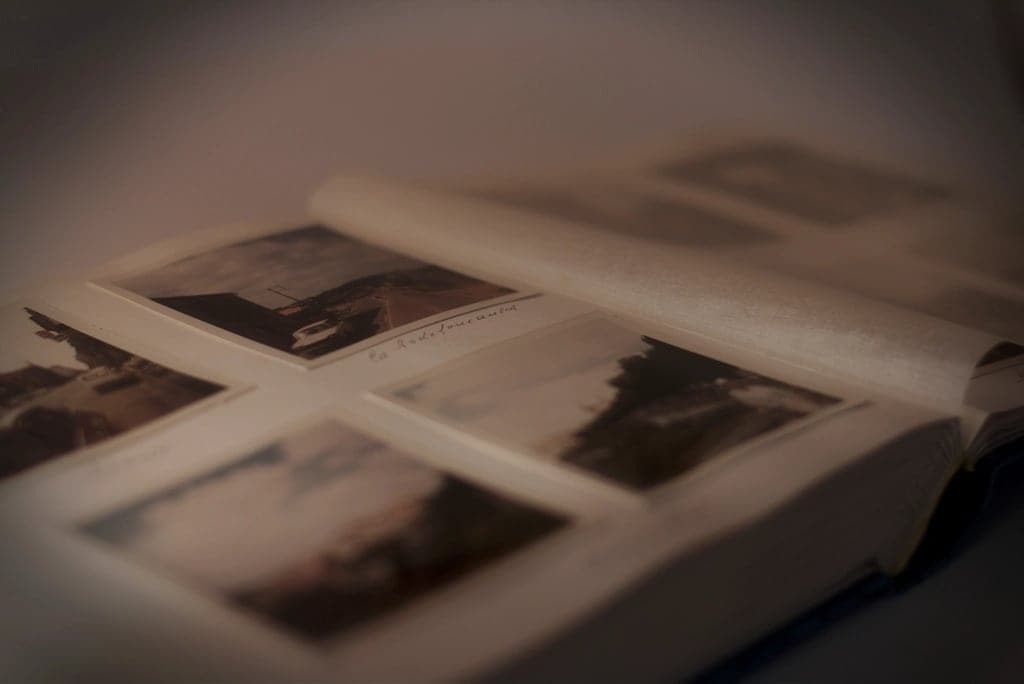
Not every photo deserves a full page, and not every photo can handle one. Matching each photo to the right size in your layout is part craft, part arithmetic. Get it right and every page looks sharp and balanced. Get it wrong and a beautiful moment prints soft or gets lost in a corner.
How do I know how big a photo can print?
Divide the photo's width and height in pixels by 300. The result is the size in inches it can print at full sharpness. Between 200 and 300 pixels per inch still looks good to most people at reading distance. For example, a photo 3000 pixels wide prints sharply at 10 inches wide and acceptably at up to 15 inches.
Soouvenir does this maths for you and warns you if a photo will print soft at the size you have chosen.
Which photos should go full page or full spread?
Save the biggest sizes for photos that are:
- Sharp all the way through, especially in faces.
- Simple in composition, with one clear subject.
- Taken on a camera or a recent phone at full resolution.
- Emotionally important: the moment the book is really about.
Wide landscapes, group photos, ceremony moments and quiet portraits are natural candidates.
Which photos work best small?
Smaller frames suit:
- Details, such as hands, food, objects, textures.
- Older or lower resolution photos.
- Sequences, like a series of expressions or steps in a process.
- Photos that support a bigger image on the same spread.
Small does not mean less important. A grid of small faces can be one of the most moving pages in a book.
What shapes work in common layouts?
| Layout | Best photo shapes |
|---|---|
| Full bleed single page | Matches the page shape; crop to fit |
| Full spread | Wide landscapes and panoramas |
| Two on a page | Two portraits side by side, or two landscapes stacked |
| Grid of four or six | Similar shapes, ideally all square or all landscape |
| Hero plus strip | One large landscape with three small squares |
Keeping photos in a grid the same shape makes the page look orderly.
What about photos from messaging apps?
Photos sent through chat apps are often heavily compressed and reduced in size. They look fine on a phone but may only be suitable for small frames. Whenever possible, ask the sender for the original file through a cloud link or email.
Can I use screenshots?
Only small, and only when there is no alternative. Screenshots are limited to your screen's resolution and often include interface elements you will need to crop out. They are best used for things like a meaningful message or a ticket, kept small on the page.
Plan sizes before you place photos
Before you design, sort your selected photos into three groups: big, medium and small. Use the big group to anchor key spreads, the medium group for most pages, and the small group for grids and details. It makes the layout process faster and helps every photo land where it looks its best.